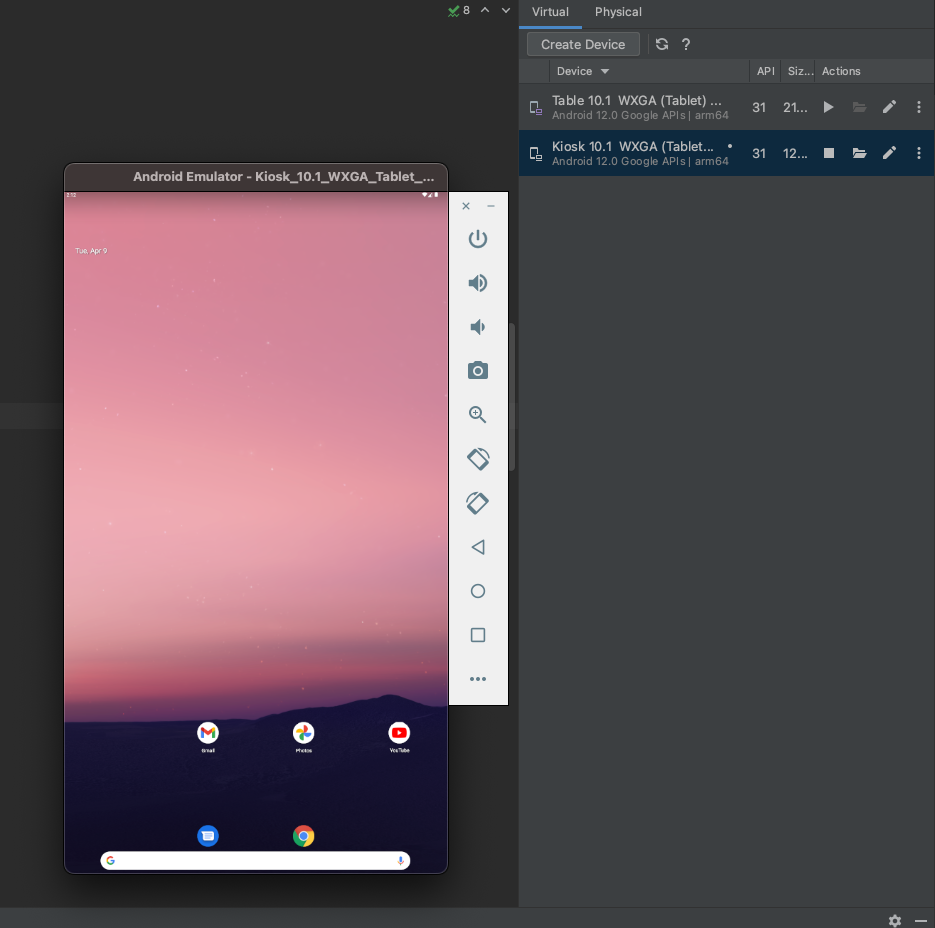
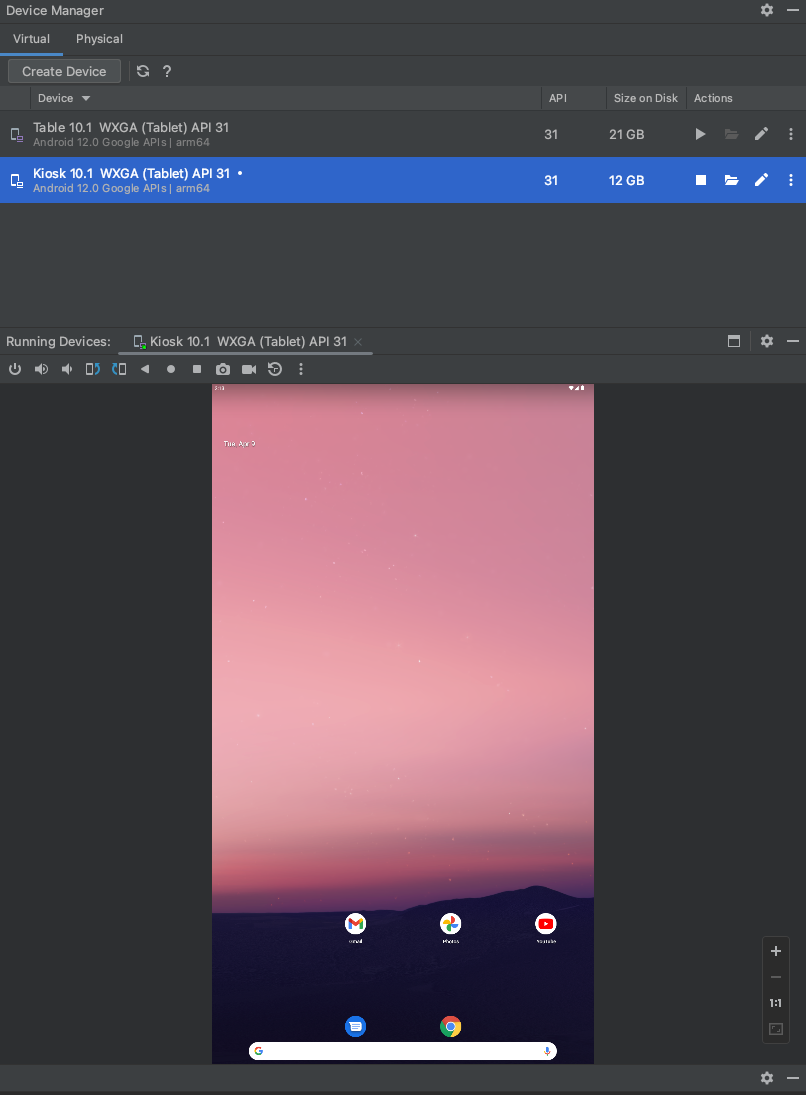
안드로이드 스튜디오에서 에뮬레이터를 분리된 창으로 띄우기
2024. 4. 9. 14:08ㆍETC/Android Studio
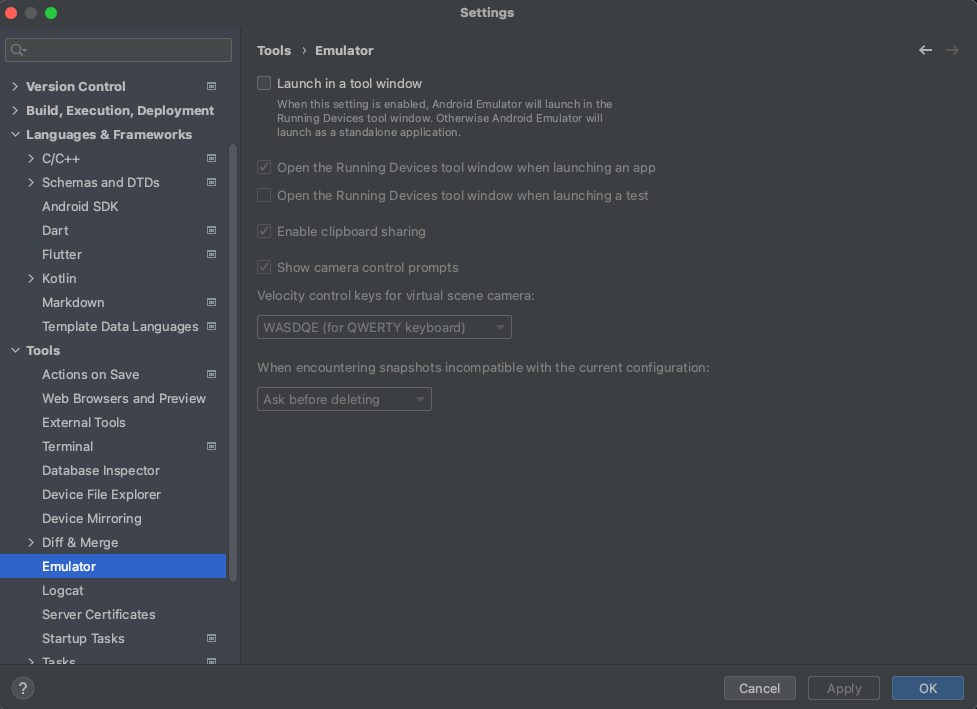
File > Settings > Tools > Emulator (Android Studio > Preferences > Tools > Emulator on macOS) and deselect Launch in a tool window.
참고자료 : https://developer.android.com/studio/run/emulator-launch-separate-window